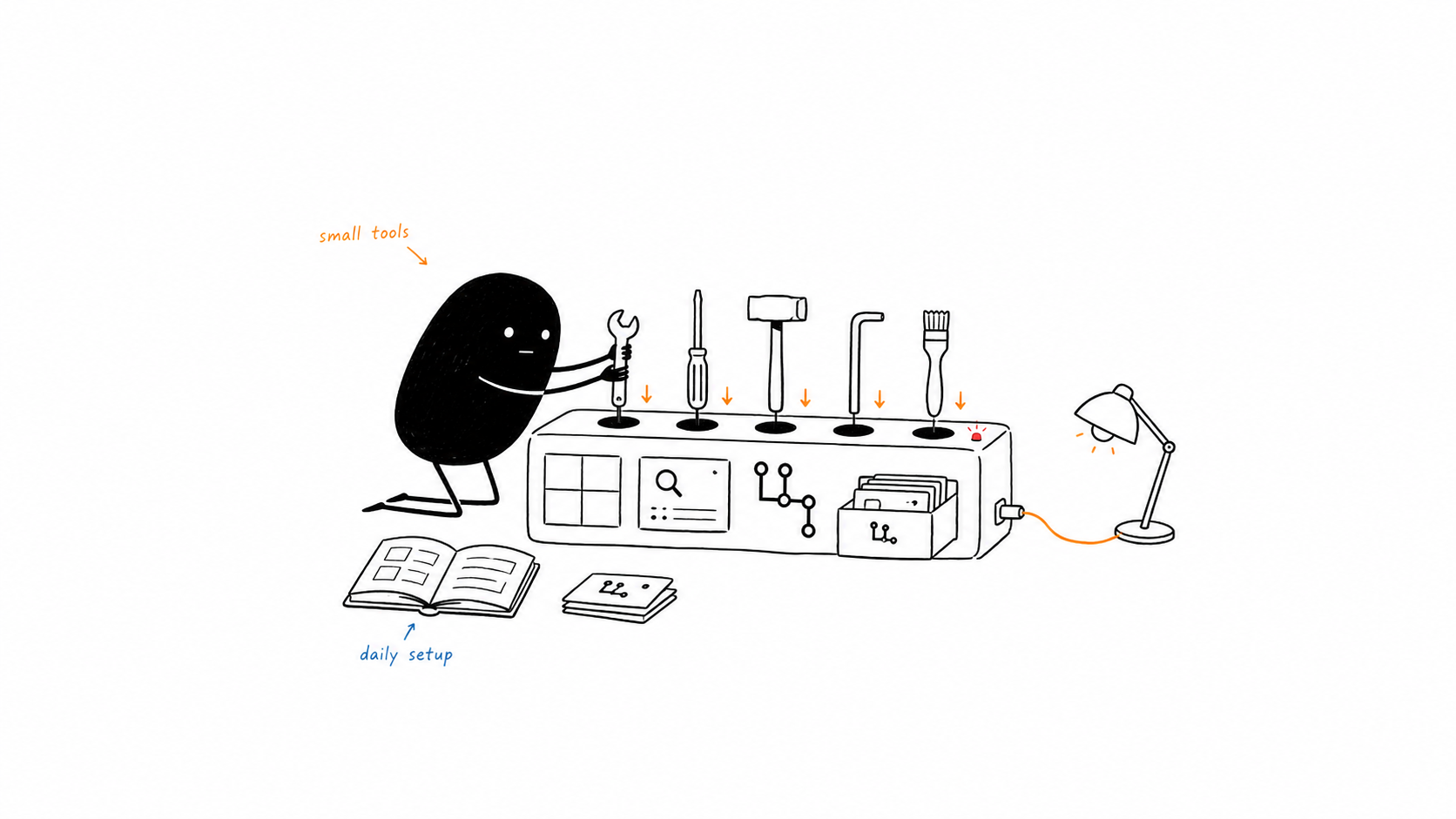
i use a lot of software. most of it is forgettable. these five are not.
this is not a ranking or a review. it is a small thank-you to the open-source projects that made their way into my regular setup. so far, ive made one-time sponsorships to Rift and lazygit . i want to do the same for more of the small projects i rely on.
Rift
Rift is the window manager i use on macOS. it has BSP tiling, workspaces, and good customization when i need it. the best part is the default shortcuts. they are good enough that i did not need to spend an evening rebuilding the entire keymap before getting work done.
that sounds small. it is not. a window manager that needs a long setup guide before it becomes useful has already lost me. Rift gives me a sensible starting point and gets out of the way.
workspaces are the other reason it stuck. i can keep one workspace for the project, another for the browser, and move between them without turning my desktop into a pile of overlapping windows. when the layout is predictable, i spend less time arranging windows and more time looking at the thing i actually opened the computer to do.

image from the Rift README
Tinycast
Tinycast is an open-source Raycast alternative written in Swift. it gives me the launcher workflow i want without another Electron app sitting around. the creator says it is around 5 MB on disk and stays under 100 MB of RAM, which is a very good trade for a launcher that can run Raycast extensions.
i forked Tinycast and restyled it to match the theme of my portfolio. the fork is only there because i wanted the app to feel like mine. the original project is the one worth looking at, and that is the link below.
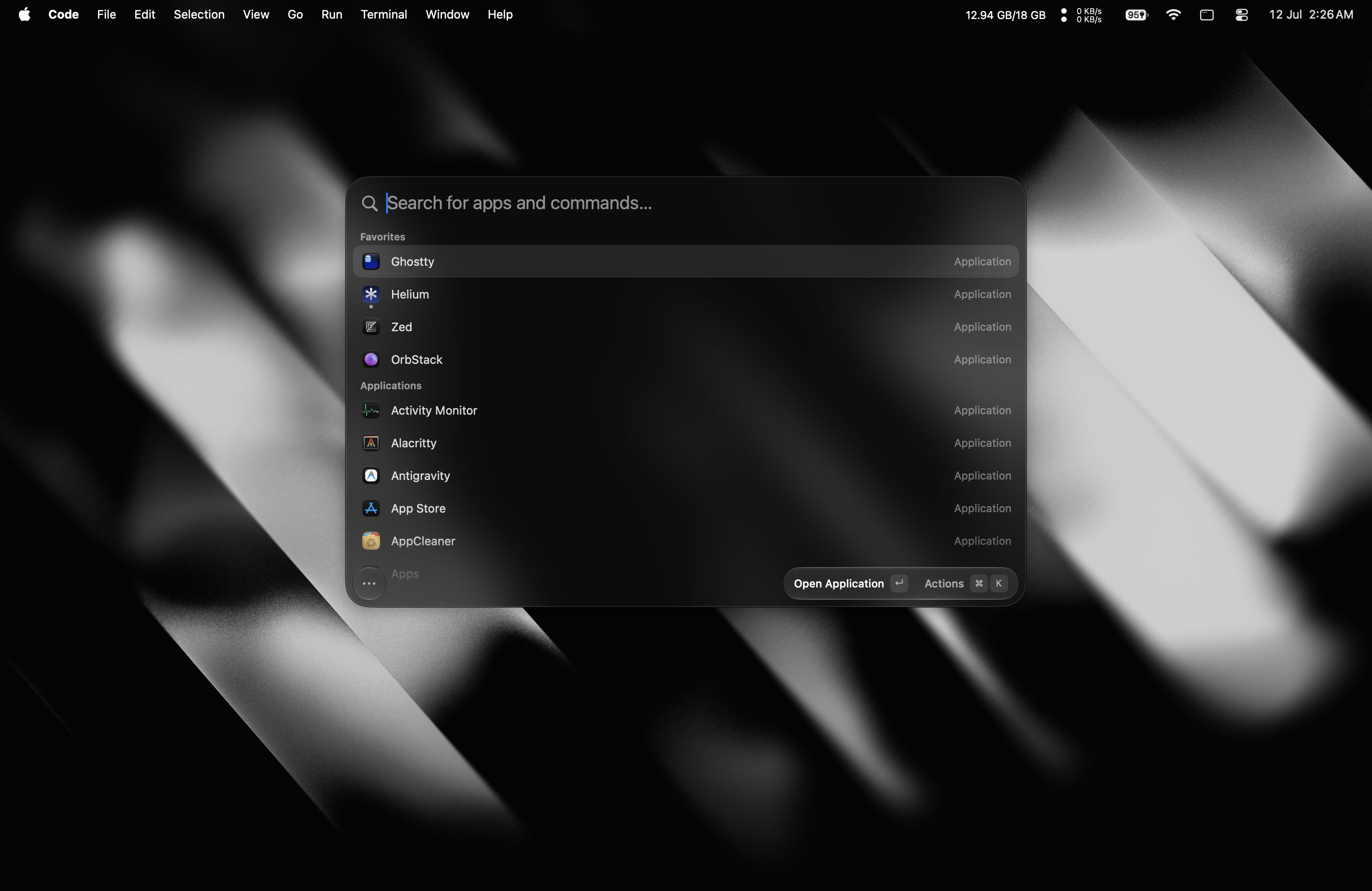
image from the Tinycast README
lazygit
lazygit is the tool i use for Git operations from Monday to Saturday. not just for checking a diff. i use it for cherry-picking, resolving conflicts, merging commits, creating commits, rewording, and amending old commits.
it puts the parts of Git that are easy to forget behind one interface. i can see the branches, the commit graph, the files, and the changes without jumping between five commands. that is why it stayed. if i use something every working day, why would i not pay for it?

image from the lazygit README
ghq
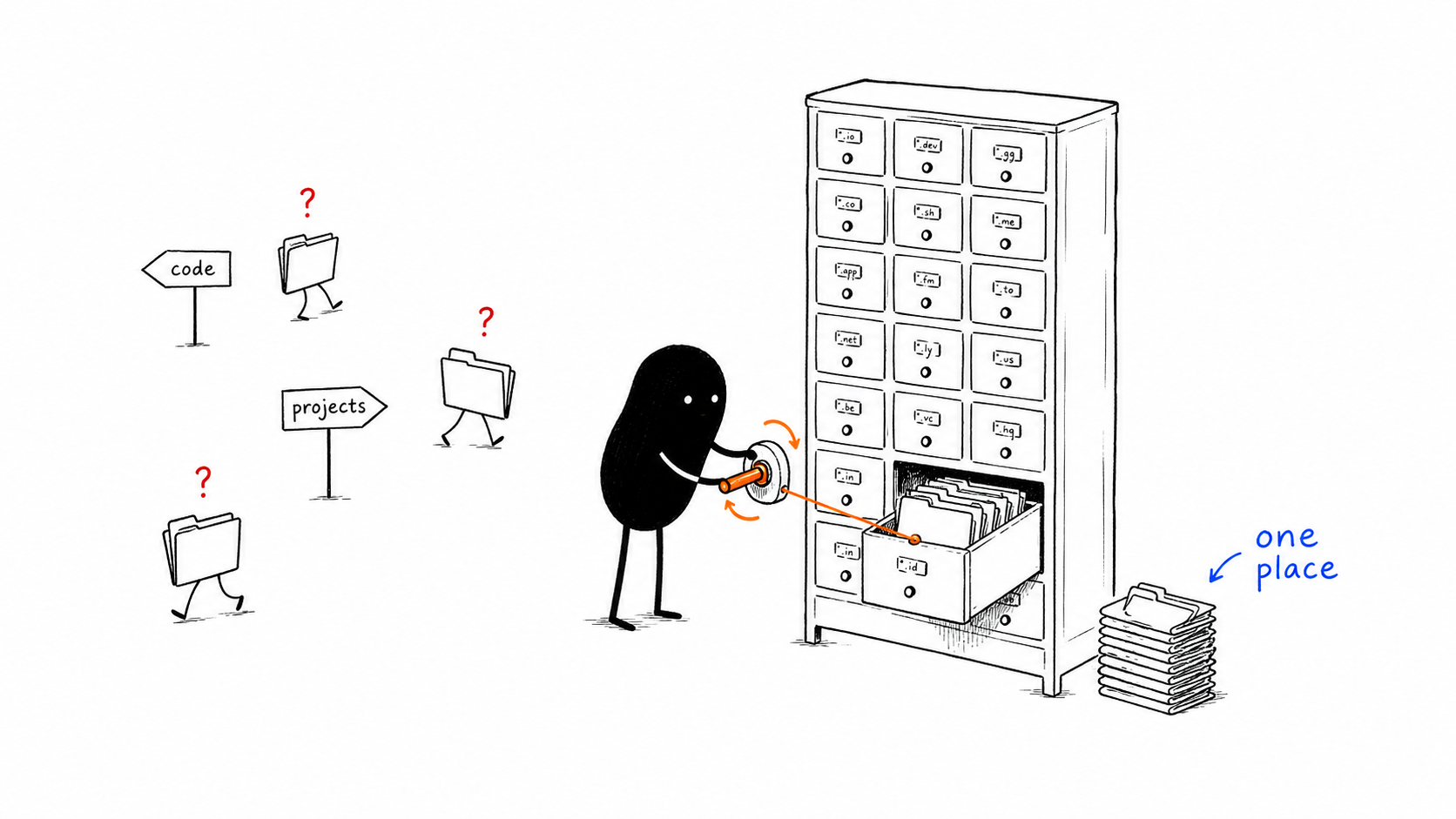
ghq started as a better way to clone repositories. the part i actually care about is what happens after that. it removes the question of where a repository should live.
without ghq, every clone starts with a tiny decision. should this go in ~/code, ~/projects, ~/work, or somewhere else? that decision is not difficult. it is just unnecessary. ghq puts repositories in a predictable place, and then my project switcher can find them without me remembering where i put them.
this matters more as the number of repositories grows. one project is easy to find anywhere. dozens of projects are not. ghq turns the filesystem into a convention i can trust instead of another thing i have to maintain in my head.
i also forked ghq and added ghq stats for repository counts and disk usage, plus an interactive ghq clean command with a dry-run mode. i am not sharing a forked binary. the fork link is there for the source and the changes. the main ghq repository is the one you should use.
$ ghq root
~/ghq

~/ghq/
`-- github.com/
    |-- acsandmann/rift
    |-- abue-ammar/tinycast
    |-- jesseduffield/lazygit
    |-- x-motemen/ghq
`-- bugzmanov/bookokratBookokrat
Bookokrat is a simple-looking terminal book reader. i do not use it every day, but whenever i need to read an EPUB, this is the one i open.
there is something nice about an app that does not try to become a whole reading platform. open the book, read the book, close the book. the interface fits the rest of my terminal-based setup instead of fighting it.
the simple interface is the feature for me. i am not looking for recommendations, highlights synced to a social profile, or a dashboard telling me how much i have read. i want the book in front of me and the controls close to the keyboard. Bookokrat does that without making reading feel like another productivity system.
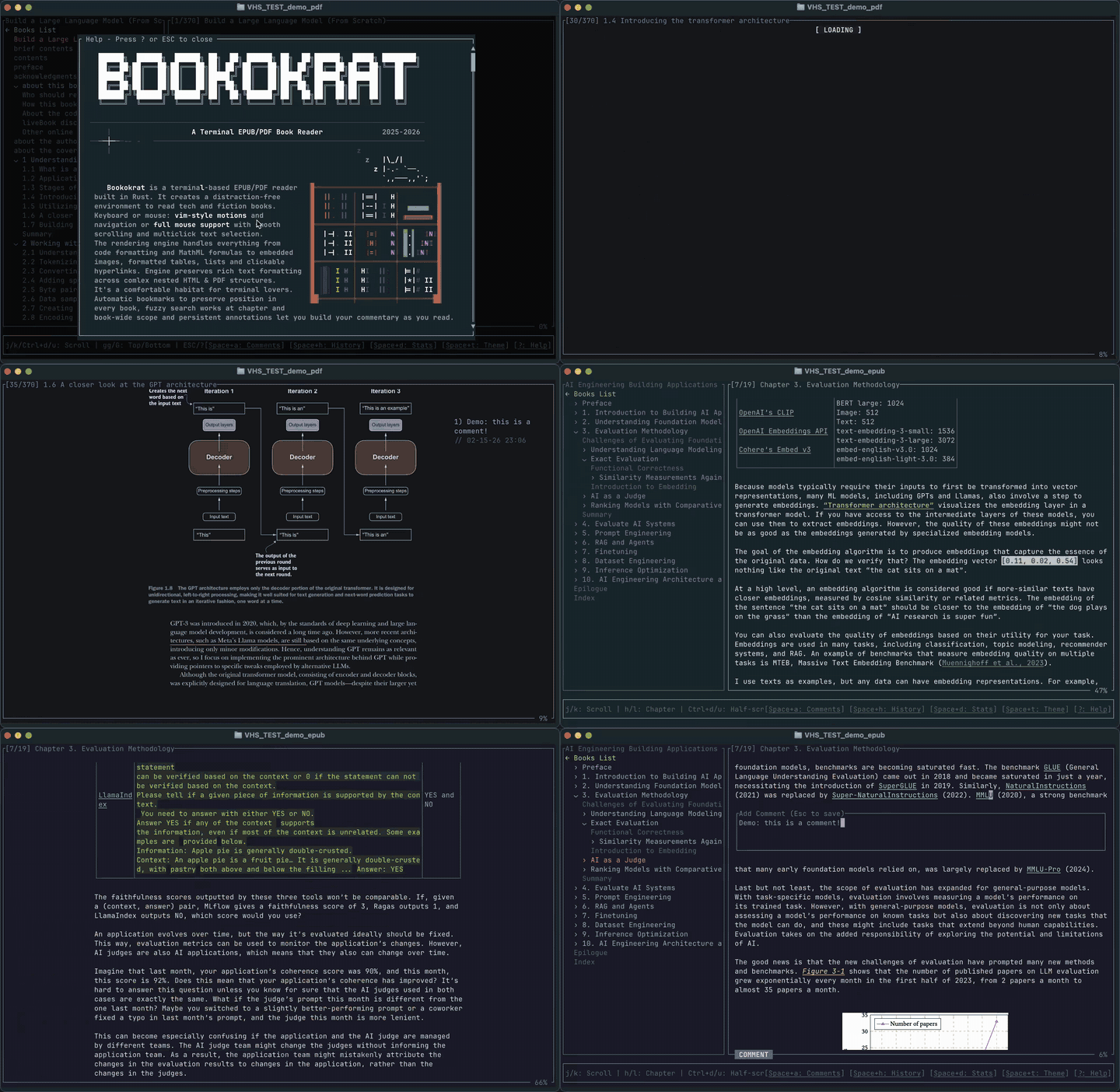
image from the Bookokrat README
the rest of the setup
the rest is less interesting as a list, but i use them constantly. Kitty is my terminal, tmux keeps my sessions and panes together, Zen is the browser i use for browsing, Fish is my shell, and Neovim is where i edit code. none of them need a full section here. they are just the things that are open when the work starts.
that is what these tools have in common. none of them are trying to be the one app that replaces everything else. each one handles a small part of the day well, and then leaves room for the rest of the setup.
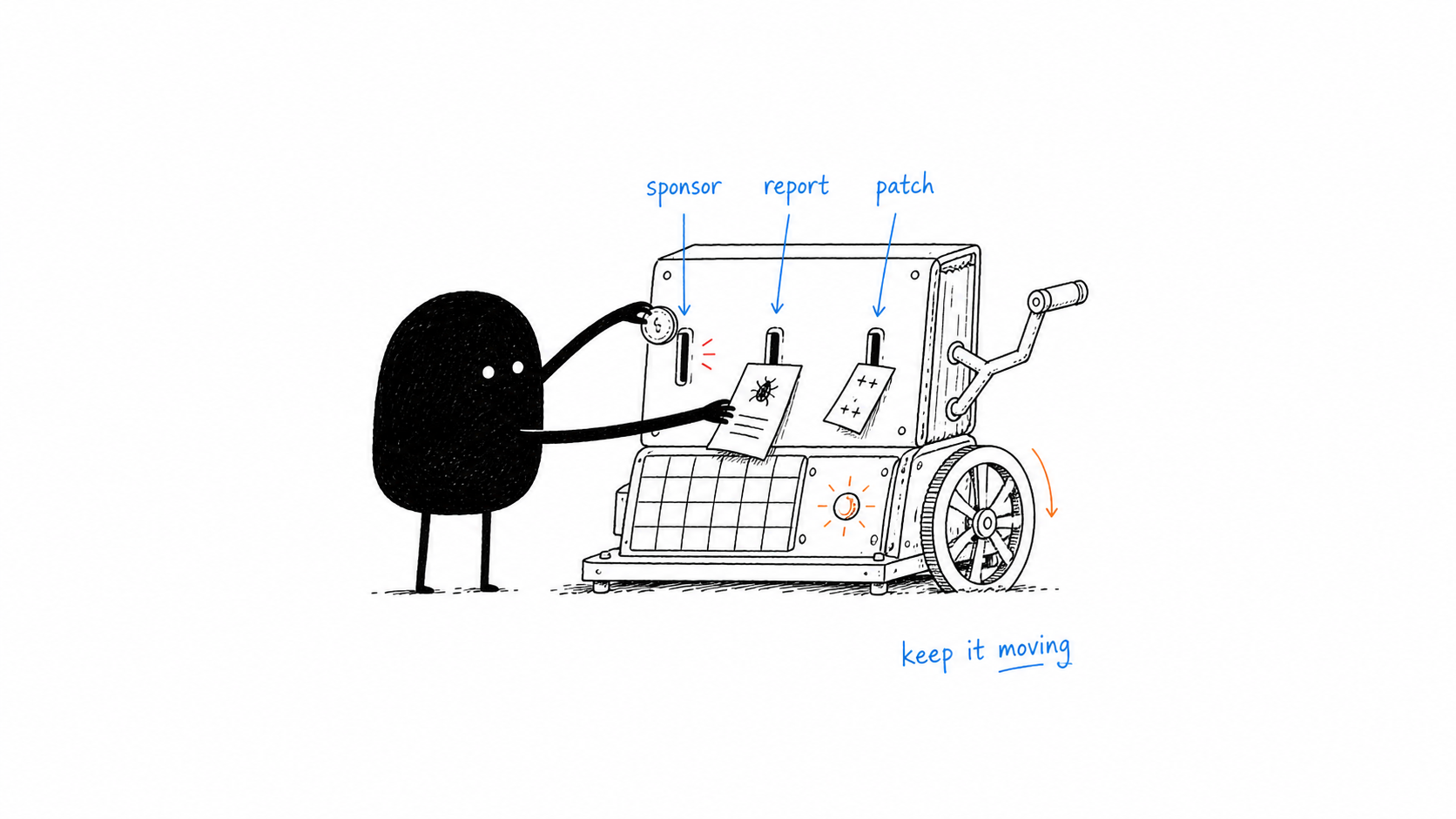
if a small open-source project saves you time every week, support it when you can. a bug report, documentation, or a useful pull request all count.